How to Prepare Images for AI 3D Generation
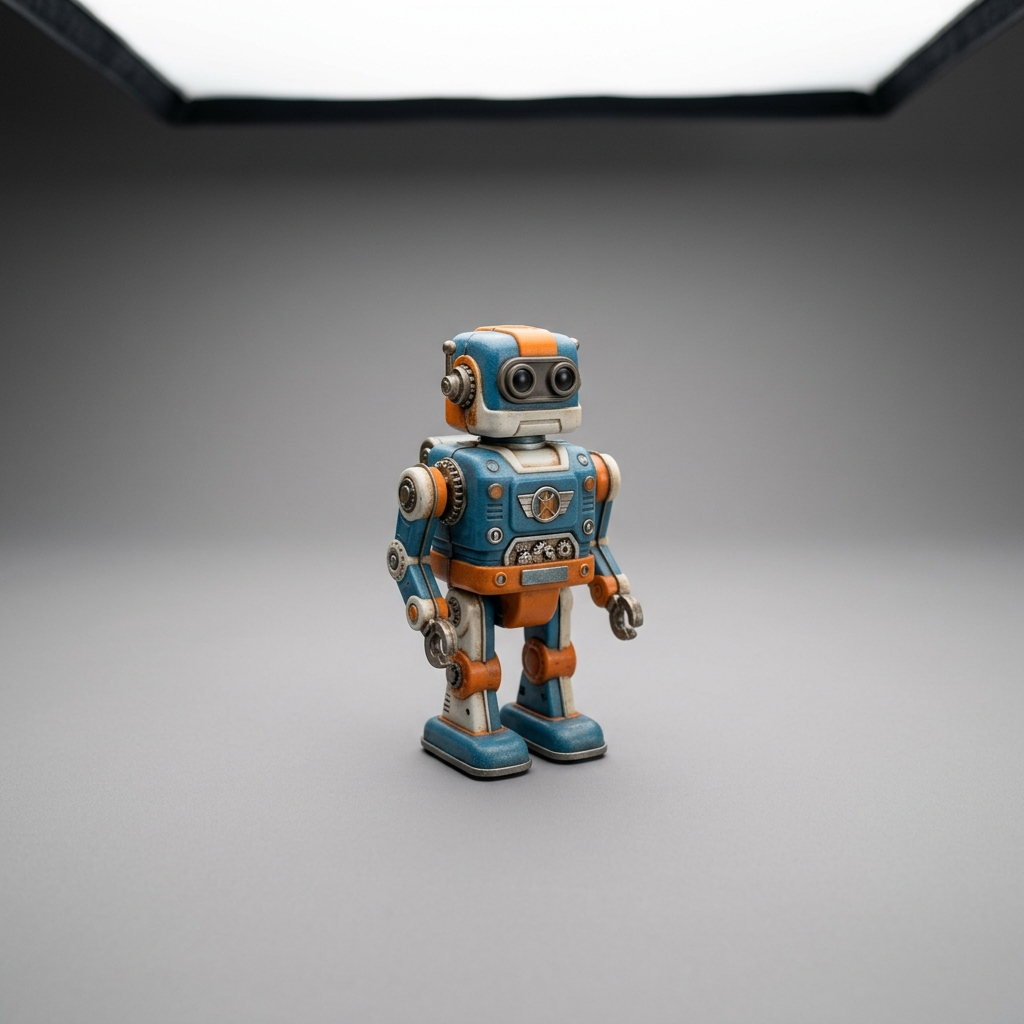
Generative AI is highly intelligent, but it is ultimately limited by the data you feed it. In single-image 3D generation, the quality of your output model is directly linked to the quality of your input photo. By understanding how the AI reads depth, colors, and boundaries, you can capture pictures that guarantee watertight, highly detailed conversions.
1. Diffused, Flat Lighting is Essential
AI neural networks estimate the depth and curvature of an object by analyzing shadows, highlights, and color transitions. If your photo has harsh, directional shadows (like those cast by direct sunlight or a strong desk lamp), the AI will mistake those shadows for actual physical indentations or hollows. Conversely, bright reflections (specular highlights) will be read as bumps. For the best result:
Lighting Tips
- Use flat, diffused lighting: Take photos indoors under soft lighting or outdoors on an overcast day.
- Avoid using your camera's flash, as it creates strong, direct highlights and harsh back-shadows.
- If printing miniatures, place a piece of white paper near the object to bounce light back and fill dark shadows.
2. Isolate the Subject on a High-Contrast Background
To construct a 3D model, the AI first needs to separate the object from its surroundings. Voxelvia3D runs background isolation automatically, but busy background patterns (like cluttered rooms, patterned carpets, or wooden tables) can bleed into the model's outer edges, causing rough boundaries. Placing your object on a clean, solid background (like a neutral grey, black, or white sheet) allows the AI's segmentation model to isolate the subject's border with pixel-perfect accuracy.
3. Choose the Optimal Camera Angle
Flat front-facing or direct profile photos contain very few depth cues, hiding the object's dimensional volume. For single-image conversion, the ideal angle is a three-quarter perspective (slightly looking down at the object from a 45-degree angle). This angle exposes the top, front, and side surfaces of the object simultaneously, giving the neural net the maximum number of structural hints to construct the hidden geometry.
Quick Capture Checklist
Checklist before uploading
- Subject occupies at least 70% of the image frame.
- Image is sharp and in-focus (blurry photos result in melted geometries).
- Object is stationary (no motion blur).
- The surface is matte (avoid highly reflective metal or glass if possible, as they confuse volumetric depth predictors).
Once your image is ready, you can feed it directly into our specialized manufacturing pipelines: test our photo to 3D figurine generator for miniature keepsakes with flat baseplates, our photo to 3D relief plaque maker for tactile wall decor, or convert 2D character art to 3D collectibles. If you want full 360° coverage without guessing the back, see our practical guide on how to take photos for a multi-view 3D model.