
Top 5 AI Image-to-3D Tools for 3D Printing in 2026 (Tested for Print-Ready STL)
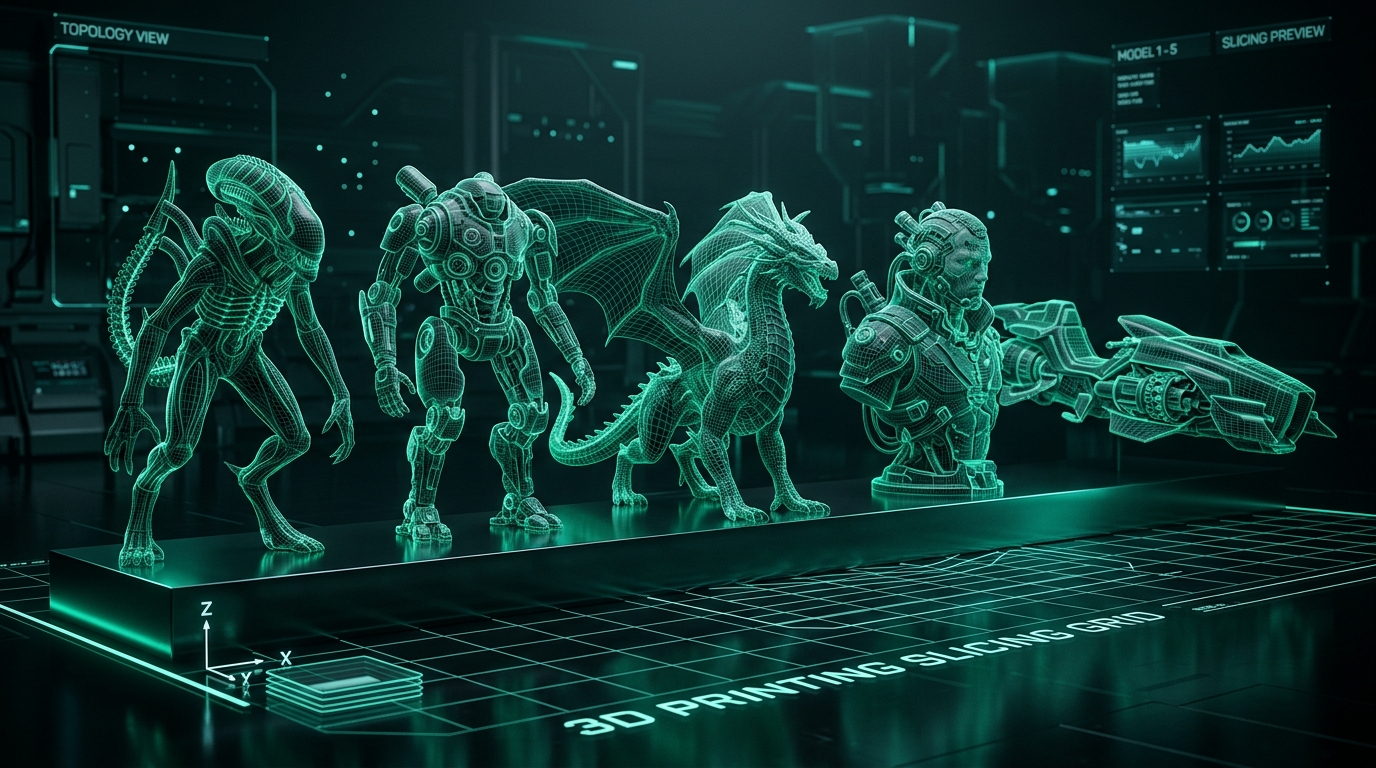
Most "best AI 3D generator" roundups are written for game developers and 3D artists — they weigh texture quality, rigging, and Unity/Unreal export above everything else. If you're a maker who just wants a photo turned into something you can actually print, those priorities don't match yours. Wall thickness, watertight geometry, and STL output quality matter more to you than PBR texture resolution.
This comparison is written specifically from that angle. We tested/researched each tool against three things printing-focused users actually care about: does the output need cleanup before it slices, what formats does it actually export, and what's the real cost per usable model — not the marketing page cost.
One disclosure up front: we build Voxelvia3D, one of the tools on this list. We've tried to be straight about where it's genuinely a fit and where it isn't, including its real limitations.
How We Evaluated Each Tool
We tested and researched each tool against three criteria that matter specifically for 3D printing — not for game development, animation, or rendering.
Evaluation Criteria
- Watertight output consistency: Does the generated mesh form a sealed solid that a slicer can process without repair?
- Export format coverage: Does it export the formats printers actually need (STL, OBJ, 3MF), or is it optimized for game engine formats?
- Real cost per usable model: Not the marketing-page price, but what you actually spend per model that's ready to slice.
A Note on What's Not on This List
This comparison covers mesh-based AI generators — tools that reconstruct organic 3D geometry from images or text prompts. There's a separate and growing category of parametric CAD AI tools (like PrintMakerAI) that generate dimensionally precise B-Rep solid geometry for functional/mechanical parts — brackets, enclosures, gears. If you're printing functional parts where dimensional accuracy matters more than organic surface detail, a parametric tool is likely a better fit.
Meshy (v7)
Meshy is the most feature-complete general-purpose tool in this category. Broadest export format list (STL, OBJ, GLB, FBX, USDZ, 3MF, and BLEND depending on plan), a large user base, and with the release of Meshy 7, an AI 3D Agent with enhanced AI Auto-Repair specifically for fixing non-manifold edges in generated meshes. The honest limitation: Auto-Repair is still a repair step you run after generation, rather than a validation gate before you download. Free tier output is restricted to CC BY 4.0 licensing (non-commercial only). Starting price: ~$20/mo (Pro).
Good fit if: you want the widest possible format flexibility and don't mind an extra repair click when needed.
Tripo AI (v3.0 / H3.1)
Tripo's defining feature is speed — draft-quality meshes return in roughly 8 to 10 seconds, powered by their latest H3.1 smart mesh architecture. Tripo is built primarily for game development workflows (part-based segmentation, auto-rigging, quad remeshing), and print-specific validation isn't a first-class feature. You can print Tripo output, but you're on your own for checking watertight geometry before slicing. Starting price: ~$19.90/mo.
Good fit if: speed of iteration matters more than print validation, and you're comfortable checking mesh quality yourself.
Rodin (Hyper3D) Gen-2.5
Rodin wins on raw geometric fidelity — sculpt-level detail, output up to 10 million-plus polygons, and localized 3D editing tools. That detail level is aimed at production/studio use rather than hobbyist FDM printing — high polygon counts mean more decimation work, and pricing reflects enterprise/professional targeting.
Good fit if: you need maximum surface detail and don't mind the cleanup and cost.
Microsoft TRELLIS.2 (self-hosted)
The only genuinely free option with no strings attached — MIT-licensed and self-hosted. TRELLIS.2 is a strong underlying model with impressive raw output quality. The catch: no hosting, no UI, no validation, no support — you're assembling your own pipeline from a research model.
Good fit if: you're technical, want zero cost, and are willing to build your own workflow.
Voxelvia3D
Our own tool — take this with appropriate skepticism. The specific differentiator: every generated model runs through an automated watertight and manifold validation pass before the download button unlocks. You see a pass/fail scorecard (watertight, manifold, minimum wall thickness) instead of finding out after your slicer rejects the file. If you're starting from digital illustrations, try our core AI image to 3D generator or export directly using our image to STL converter. For specific physical maker applications, we also provide specialized pipelines like our photo to 3D figurine generator (with auto-anchored flat baseplates) and our Bambu AMS multi-color logo 3D print maker.
Real limitations: narrower export format list than Meshy (STL, OBJ, GLB only — no FBX or USDZ yet). No text-to-3D, only image-to-3D. Small, new product without the feature depth of Meshy or Tripo.
Good fit if: your primary goal is 3D printing and you want confirmation a model will slice cleanly before downloading.
So Which Should You Actually Use?
Widest format support: Meshy. Fastest iteration: Tripo. Maximum surface detail: Rodin. Free and self-hosted: TRELLIS.2. Print-readiness confirmation before download: Voxelvia3D. None of these tools produce flawless output every time — test the same photo across two or three tools and judge actual output rather than any comparison article, including this one. Convert standard camera photos using our photo to 3D model converter, or explore tuned slicer workflows for photo to 3D figurine miniatures and multi-color Bambu AMS prints.