Convert Image to 3D OBJ Mesh with AI
Translate 2D image drawings into editable 3D OBJ digital assets with intact UV coordinates and vertex normals.
Supports Image (up to 15MB)
Automated 2D to 3D AI Pipeline
From raw Image upload to production-ready OBJ mesh in seconds
Upload your 2D Image image to Voxelvia3D's secure dashboard.
Our AI separates the background and performs neural 3D mesh reconstruction.
Adjust polycount decimation (low, medium, high poly density) and PBR materials.
Download your compiled, optimized OBJ model instantly.
Understanding Wavefront OBJ Conversion: Base Meshes & MTL Material Libraries
The Wavefront OBJ format is an open industry standard for 3D polygon geometry. Unlike binary formats that pack data into closed structures, OBJ stores 3D vertices (`v`), UV texture coordinates (`vt`), and surface vertex normals (`vn`) in an accessible format.
Voxelvia3D pairs every exported OBJ mesh with an `.mtl` (Material Template Library) companion file. This material file links mapped Albedo color textures and Normal displacement maps, ensuring Blender, ZBrush, and Maya automatically apply textures upon import.
The generated OBJ meshes serve as rapid 3D base models—saving digital sculptors hours of manual blocking out and unwrapping before detail sculpting or retopology.
Workflows, Guidelines & Integrations
Explore recommended settings, production applications, and compatible software
Ensure all exported .obj, .mtl, and texture image files stay in one directory so Blender automatically re-links materials.
Sharp input artwork yields detailed vertex normal orientation and crisp UV texture mapping.
Use artwork without baked directional shadows for realistic real-time shader lighting in 3D viewports.
Configure Blender or Maya import axes if your mesh imports rotated (e.g. Y-Up vs Z-Up).
What You Can Build With Image to OBJ
Explore real-world workflows engineered for watertight slicing, Bambu AMS multi-color printing, and custom collectibles.
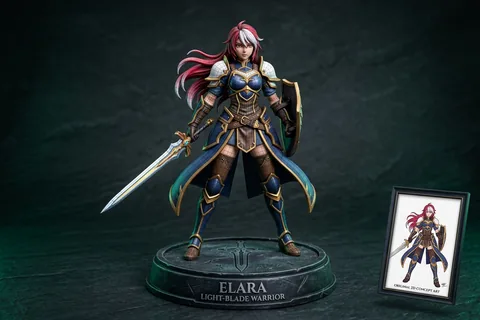
2D Character to 3D
Anime & OCTransform 2D anime drawings and original character concept art into printable quad-mesh collectibles.
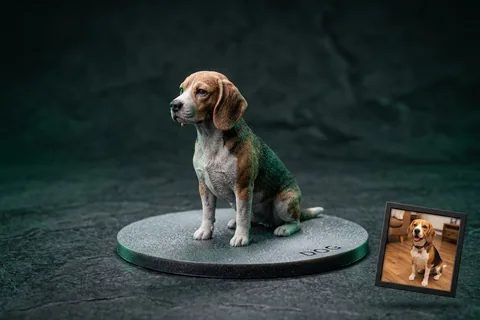
Photo to 3D Figurine
MiniaturesConvert portrait and pet photos into watertight miniature figurines with integrated flat bed-adhesion baseplates.
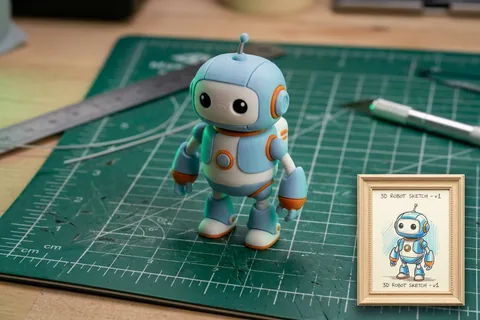
Sketch to 3D Print
Doodles & ToysTurn hand-drawn paper sketches, doodles, and children's drawings into durable physical plastic toys.
Explore Related 3D AI Converters
Frequently Asked Questions
Everything you need to know about Image to OBJ AI conversion.
Start Converting Image to OBJ
Test AI quality with verified showcase models for free, or get credits to convert your own custom Image files into watertight 3D models.
Get Started Now